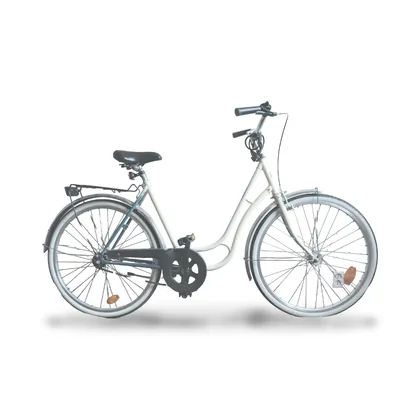


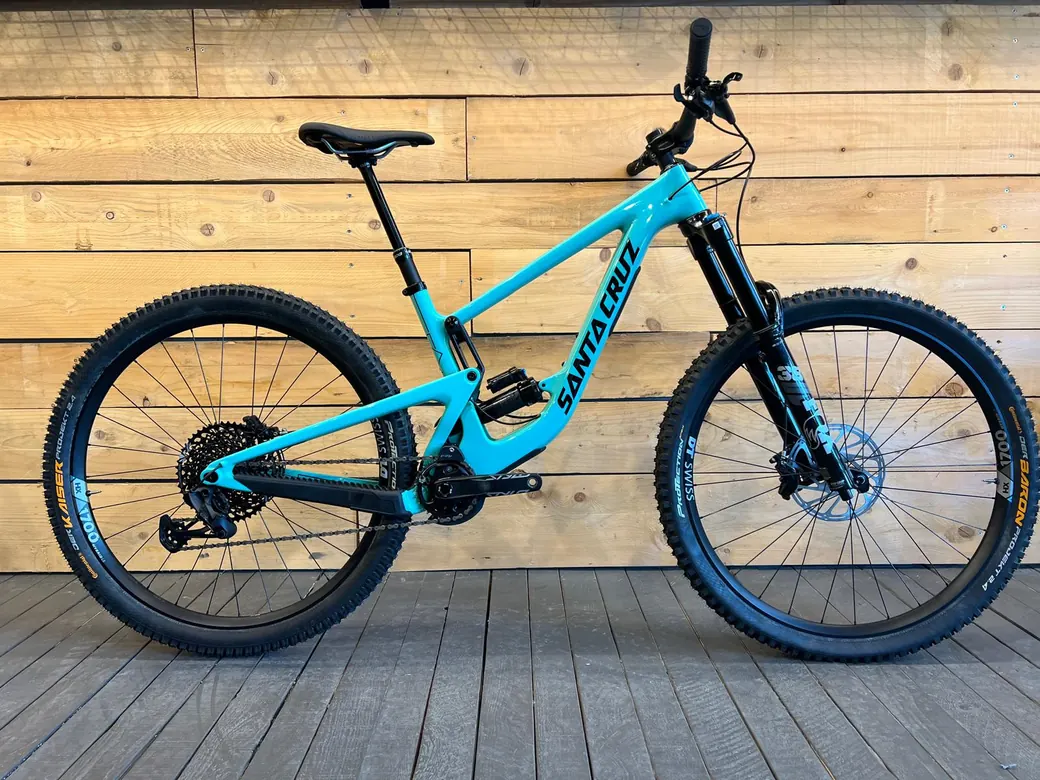
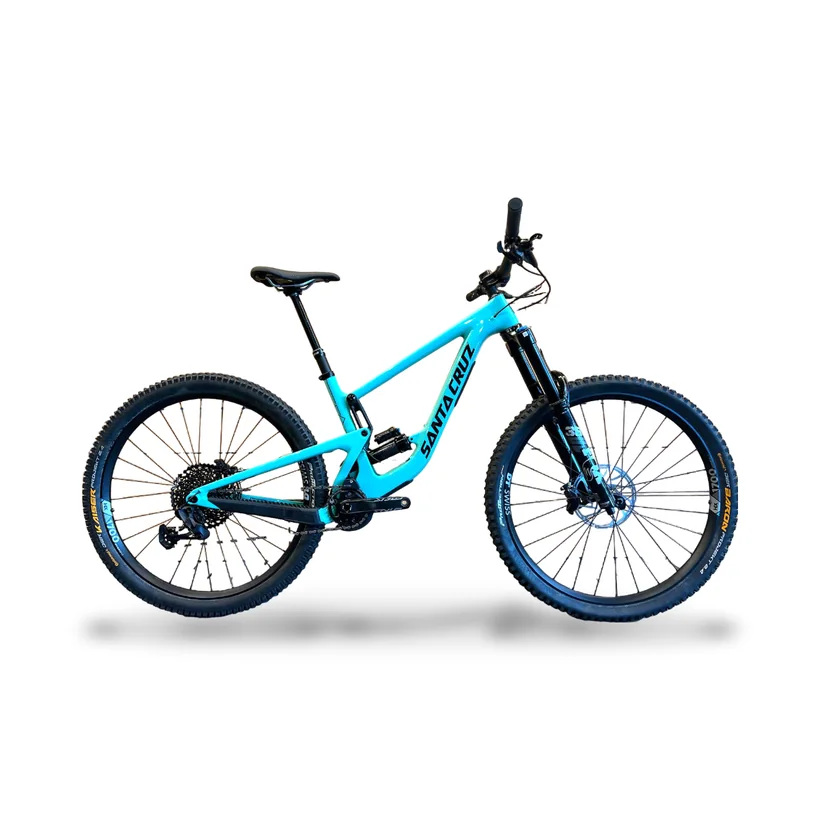
FeaturesStudio photos

Remove the background: only what you rent is left.

Skis propped against the door, a bike against the workshop wall: you take the photo wherever you can. In the new item form, press Studio and the console removes the background, puts the item on white with its shadow and frames it like a catalog shot. The photo only changes if you confirm.

Studio photos in the Sharepact console, on a laptop

Background gone in about ten secondsWhite, shadow and framingBefore and after, you choose

The background

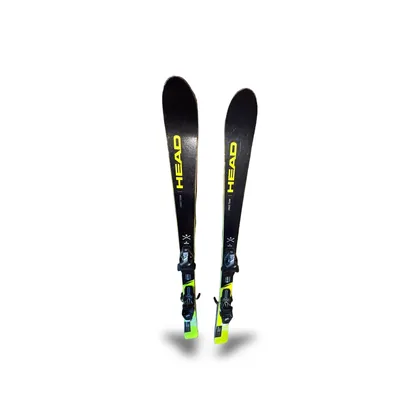
The door goes, the skis stay.

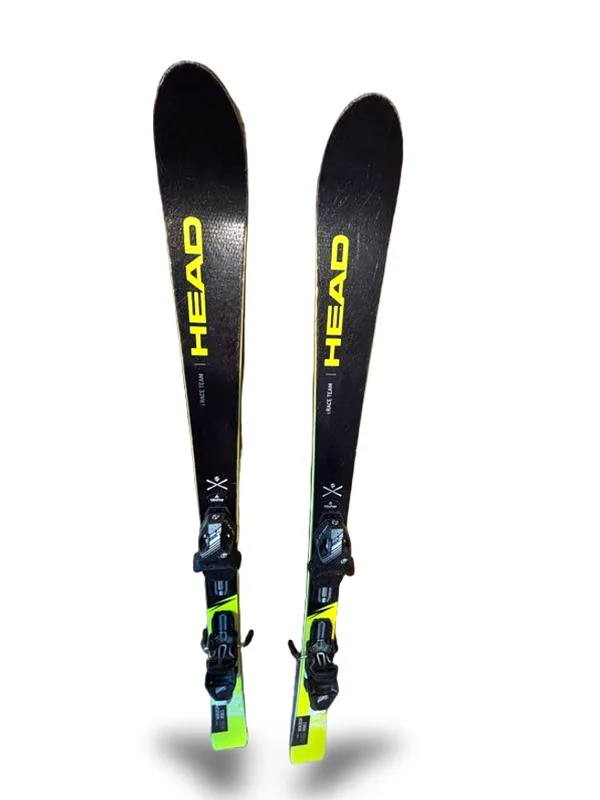
A model running in your browser finds the item and lifts it off whatever is behind it. Where the wall was, there’s pure white, with a shadow underneath. The skis are the ones in your photo, stickers and scratches included.

  • Square photo, item in the middle
  • Skis, bikes, helmets: whatever fits whole in the photo
The wheels

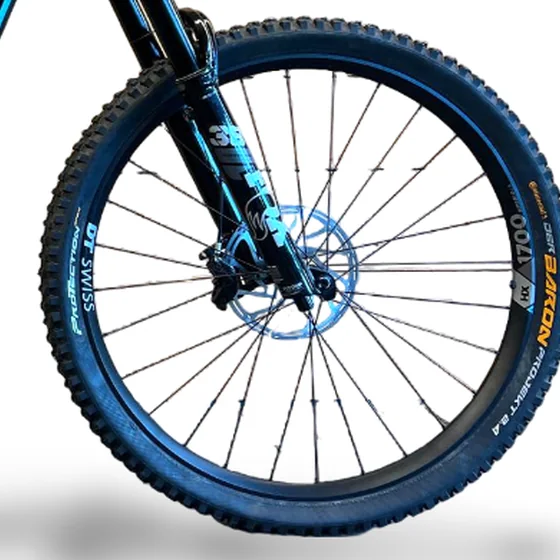
No wall left between the spokes.

If you rent bikes, the wheels are the hard part. When it finds one, the studio goes back over the photo at full resolution and rebuilds the spokes the cut-out lost, using the thickness and colour measured on the ones it can see. The sharper the photo, the better they come out.

  • A second pass, on the wheels only
  • A solid wheel stays as it is

The catalog

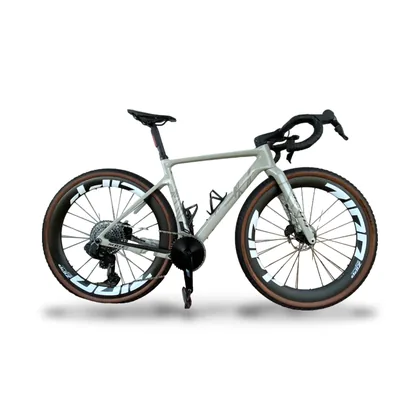
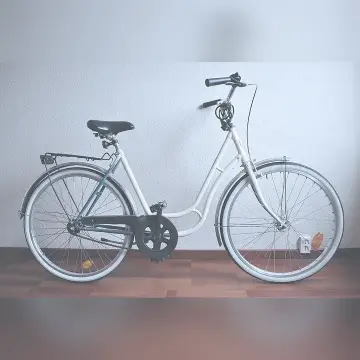
Skis on the door, a bike in the yard, the same white.

The studio photo replaces the one it came from, and from there it reaches your online store, the counter and the Sharepact app. Item by item, the catalog takes on the same background and framing, even with photos taken on different days.

  • Original and result one tap apart
  • Keep the original and nothing changes

Works with

All features

Frequently asked questions

Updated 7 November 2026

How do I remove the background from a photo?

When you create an item, upload the photo and press Studio on the thumbnail. After about ten seconds you see the result, compare it with the original and choose: “Use the studio photo” or “Keep the original”.

How long does it take?

A bike, on a computer, takes about ten seconds; skis and helmets about half that. The model is about 45 MB and downloads only once.

Is the image generated by AI?

No. A model works out where the item is, but the pixels are still the ones in your photo. The only things the studio draws are the shadow and, on bikes, the spokes the cut-out lost.

Does the photo go through an outside service?

No. The background comes off in your browser, on your computer or phone. Only the photo you keep stays on Sharepact: if you use the studio one, the original is deleted.

Does it work on a phone?

Yes: on a phone, a tablet or a computer, right in the browser.

Your shop, sorted by tomorrow morning.

Set up your shop, add your items and run your first rental at the counter.

We’re choosing our first partner shops.

The rental platform for items from individuals and shops, with ID verification and deposits held on the card

Sharepact© 2026 All rights reserved.