


 Business
Catalog
Eight items or eight hundred, you search them the same way.
Search by name or category, filter by status, sort by earnings, rentals or price. A grid with photos or a compact list. The search also takes a unit’s code: scan it and its item page opens.
- Available, Rented, Paused, In maintenance
- Sort by earnings or by rentals
- Grid or list
Search by name or category…
All
Most recent
8 itemsMost recentMost profitableMost rentedHighest price
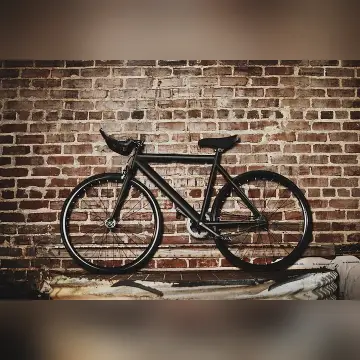 Available2 units
Single speed urbana
bike · urbana
€18/d€ 270 total
7 rentalsLike new
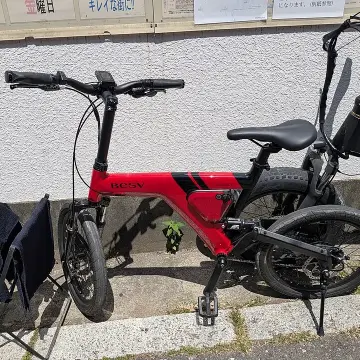 Rented3 units
E-bike BESV PSA1
ebike · e-bike
€39/d€ 1,310 total
17 rentalsLike new
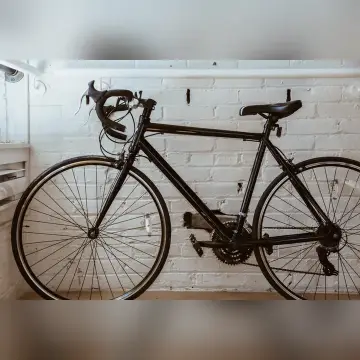 Paused2 units
Gravel Surly Straggler
bike · gravel
€38/d€ 610 total
6 rentalsGood
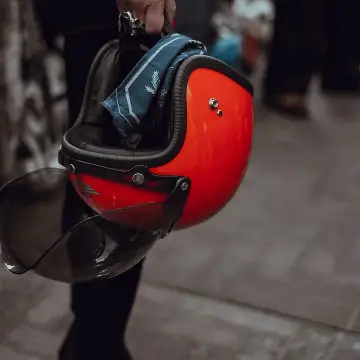 Available15 units
Casco bici
accessories · caschi
€4/d€ 248 total
31 rentalsGood
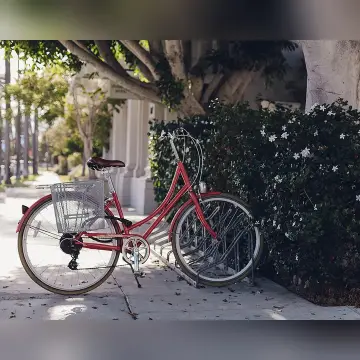 Available4 units
Bici da passeggio con cestino
bike · passeggio
€14/d€ 390 total
11 rentalsExcellent
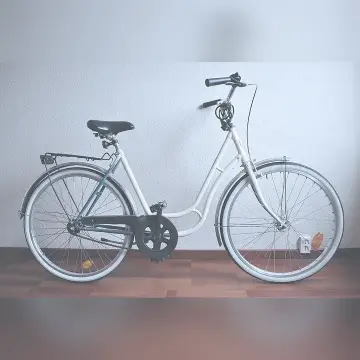 Rented6 units
City bike
bike · città
€15/d€ 940 total
22 rentalsGood
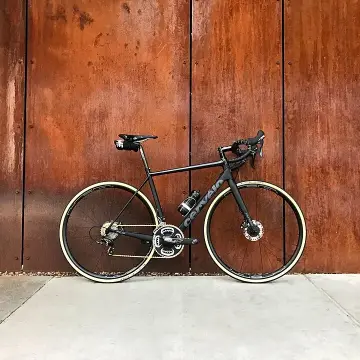 Available2 units
Bici da corsa Bianchi Sprint
bike · strada
€45/d€ 1,080 total
8 rentalsExcellent
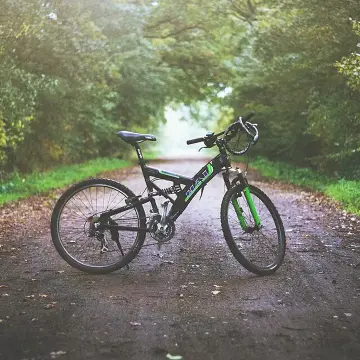 Rented4 units
Mountain bike Specialized Rockhopper
bike · mtb
€35/d€ 1,485 total
14 rentalsLike new
Available2 units
Bici da corsa Bianchi Sprint
bike · strada
€45/d€ 1,080 total
8 rentalsExcellent
Available4 units
Bici da passeggio con cestino
bike · passeggio
€14/d€ 390 total
11 rentalsExcellent
Available15 units
Casco bici
accessories · caschi
€4/d€ 248 total
31 rentalsGood
ItemPrice / earningsStatus
Single speed urbana7 rentals · bike · urbana
€18/d€ 270 total
Available
Casco bici31 rentals · accessories · caschi
€4/d€ 248 total
Available
Bici da passeggio con cestino11 rentals · bike · passeggio
€14/d€ 390 total
Available
E-bike BESV PSA117 rentals · ebike · e-bike
€39/d€ 1,310 total
Rented
Gravel Surly Straggler6 rentals · bike · gravel
€38/d€ 610 total
Paused
City bike22 rentals · bike · città
€15/d€ 940 total
Rented
Bici da corsa Bianchi Sprint8 rentals · bike · strada
€45/d€ 1,080 total
Available
Mountain bike Specialized Rockhopper14 rentals · bike · mtb
€35/d€ 1,485 total
RentedItemPrice / earningsStatus
Mountain bike Specialized Rockhopper14 rentals · bike · mtb
€35/d€ 0 total
Rented
E-bike BESV PSA117 rentals · ebike · e-bike
€39/d€ 0 total
Rented
Bici da corsa Bianchi Sprint8 rentals · bike · strada
€45/d€ 0 total
Available
City bike22 rentals · bike · città
€15/d€ 0 total
Rented
Gravel Surly Straggler6 rentals · bike · gravel
€38/d€ 0 total
Paused
Bici da passeggio con cestino11 rentals · bike · passeggio
€14/d€ 0 total
Available
Single speed urbana7 rentals · bike · urbana
€18/d€ 0 total
Available
Casco bici31 rentals · accessories · caschi
€4/d€ 0 total
AvailableItemPrice / earningsStatus
Casco bici0 rentals · accessories · caschi
€4/d€ 248 total
Available
City bike0 rentals · bike · città
€15/d€ 940 total
Rented
E-bike BESV PSA10 rentals · ebike · e-bike
€39/d€ 1,310 total
Rented
Mountain bike Specialized Rockhopper0 rentals · bike · mtb
€35/d€ 1,485 total
Rented
Bici da passeggio con cestino0 rentals · bike · passeggio
€14/d€ 390 total
Available
Bici da corsa Bianchi Sprint0 rentals · bike · strada
€45/d€ 1,080 total
Available
Single speed urbana0 rentals · bike · urbana
€18/d€ 270 total
Available
Gravel Surly Straggler0 rentals · bike · gravel
€38/d€ 610 total
Paused